
Accounting
Overview, reports, banks, currency exchange, periods, and opening balances.
Accounting is the ledger subtree. Books is where you type income and expenses. Read Read profit first.
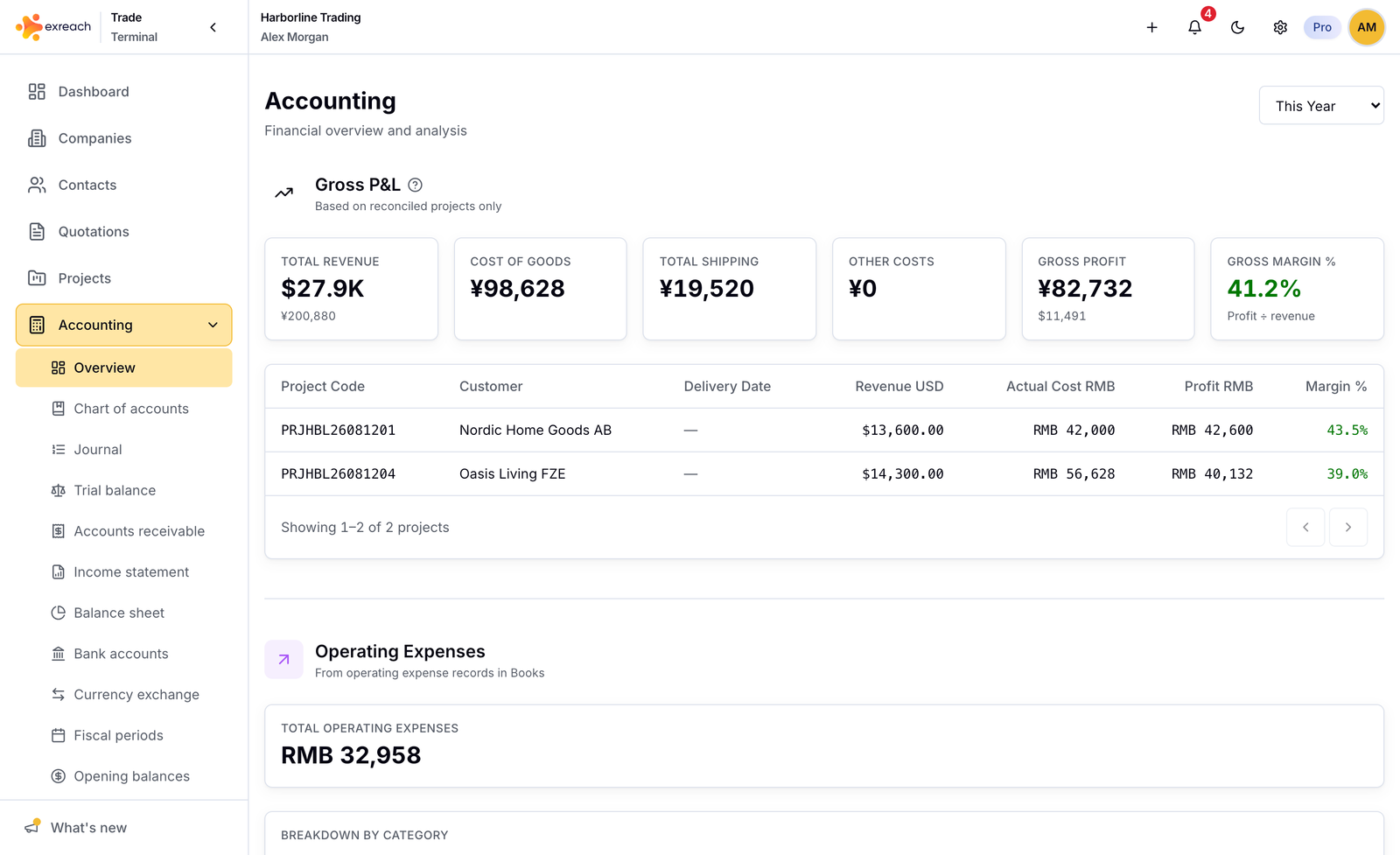
Marketing: Accounting.
Overview
Gross P&L from closed projects, operating expenses, net P&L, outstanding, and a transaction summary. Time filters: month, quarter, year, lifetime.
Chart of accounts
Read-only list of accounts Exreach sets up for the workspace. You do not invent codes here.
Journal
Posted entries with debit and credit lines. Descriptions can show the invoice and project numbers.
Trial balance
Account totals as of a date. Use the balance column for position. Debit and credit columns are lifetime activity.
Accounts receivable
Open amounts due on invoices, shown in the invoice currency.
Income statement
Books P&L in the workspace base currency (Settings → General).
Balance sheet
Assets, liabilities, and equity in base currency.
Bank accounts
Cash per bank and currency. Open Reconcile for one currency at a time. Match the statement. If there is a difference, log an adjustment (Books income or expense) or complete with an unexplained difference. Undo voids the last completed reconciliation for that currency.
Archive a bank that is in use. You cannot delete Cash on Hand.
Currency exchange
Record the amount that left one bank account and the amount that arrived in the other. Exreach posts the rate difference to FX gain or loss.
If the bank charged a service fee, enter the fee and choose which account paid it.
- A fee on the account the money left is part of that amount. The rest was converted.
- A fee on the account the money arrived in was taken before that amount arrived.
The fee posts to bank fees. It does not change the cash amounts, and it is not added on top of the rate difference.
Fiscal periods
Calendar years from posted history. Close a period (owners and admins) after you review P&L. Reopen needs the owner or admin password (unlock only).
Opening balances
Go-live cash openings. Owners and admins can post and reverse. Do not import a long history of old invoices into Exreach and also post those years as openings. Pro workspaces can also set inventory opening stock.
Warning
Opening balances are a cutover tool. Use them when you start the books in Exreach, not as a daily entry screen.