
Dashboard
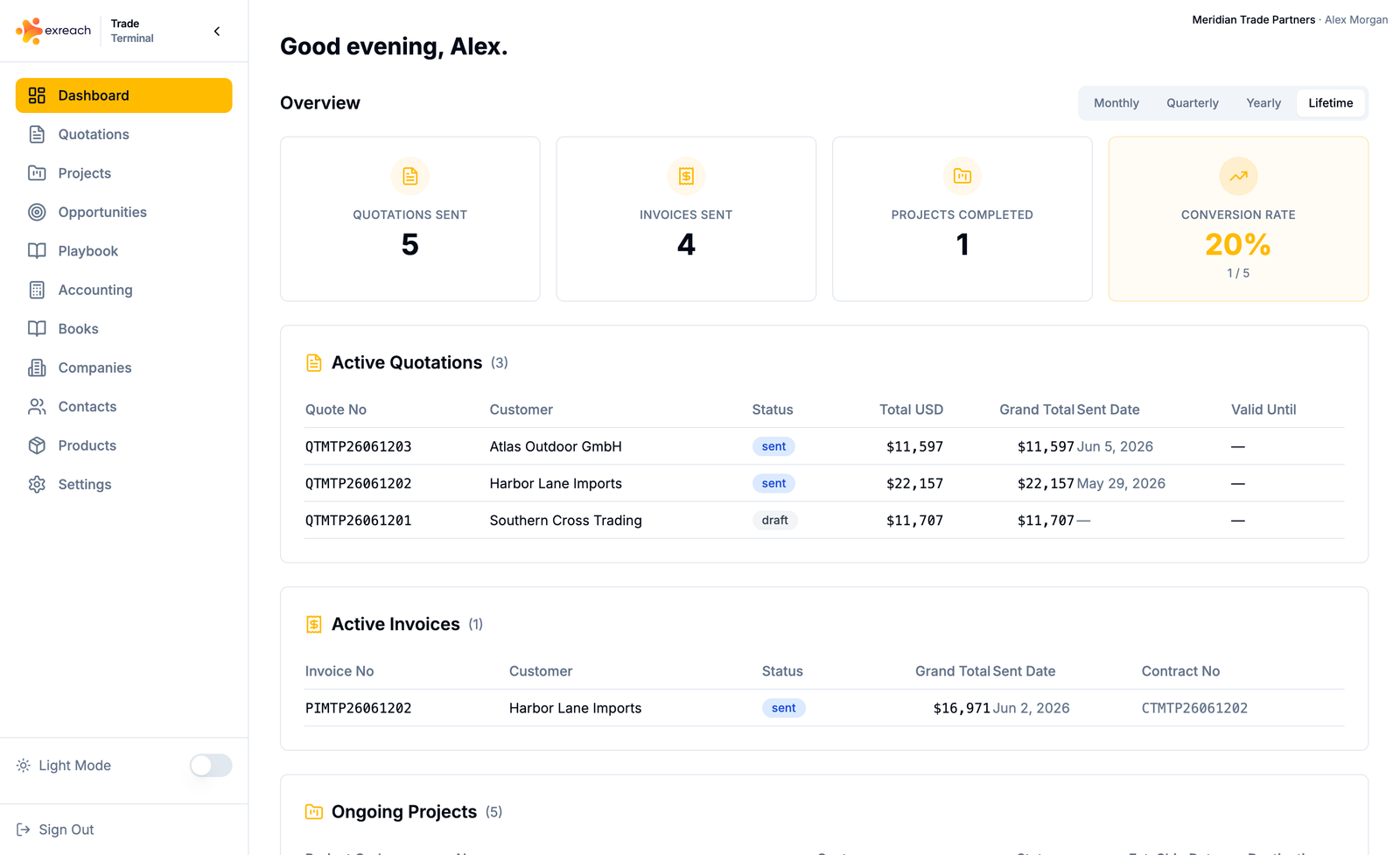
Overview widgets for active work, revenue, opportunities, and action items.
The dashboard is the home screen after sign-in (when Setup is finished).
What you see
- Active quotations and invoices
- Ongoing projects
- Revenue from closed (reconciled) work
- Opportunities pipeline
- Documents that will expire
- Follow-ups that are due
- Action items for missing next steps (invoice after accepted quotation, project after paid invoice, close after delivered)
What to do from here
Open a widget to go to the list. Use + to create a record. See Quick create.
If Setup is not finished, owners and admins also see a Setup banner. See Set up your workspace.