
Inventory
Warehouses, purchases, transfers, adjustments, and issuing stock to a shipment.
Inventory is a Pro (and Pro+) tool. You also need an active subscription. Lite sees an upgrade message.
Marketing: Inventory.
Internal stock is separate from a customer buy until you allocate it on a shipment. See Ship the goods.
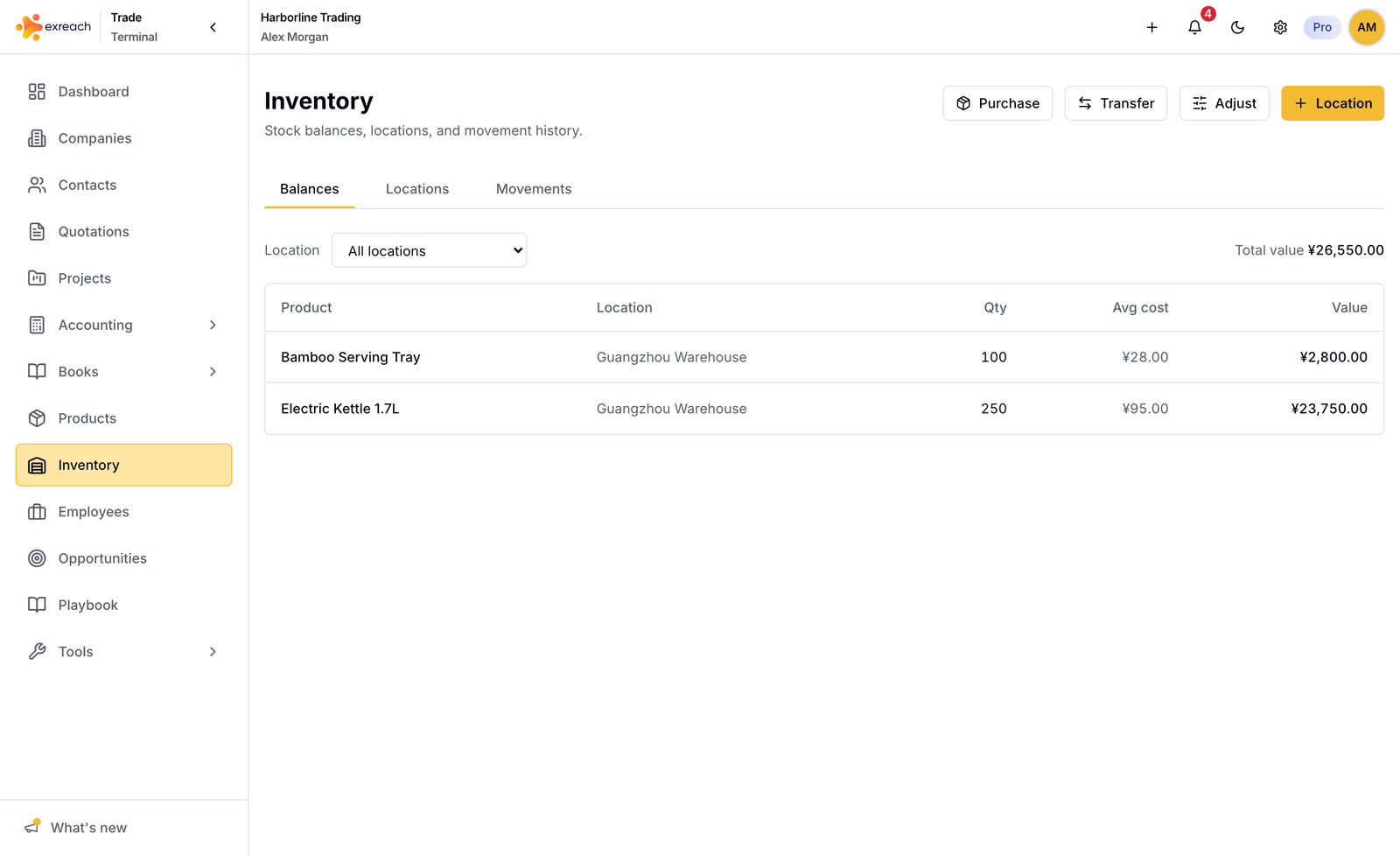
What you can do
- Add locations (warehouses), with an optional address
- Buy for stock: cash out to inventory, not to a project and not as operating expense
- Transfer between locations. Optional freight increases the destination average cost
- Adjust quantity
- Read movement history and on-hand balances
Issue stock to a deal
On a sourcing shipment, choose fulfillment Inventory and one warehouse. The full line quantity comes from that location. Purchase-mode shipments do not touch inventory.
You cannot save a line that exceeds on-hand in inventory mode.
Opening stock
When you go live, use Accounting → Opening balances together with inventory opening stock if you already hold goods. See Accounting.