
Contacts
People directory, lead intake, and the contact detail page.
Contacts is the people list. Search and channel filters sit at the top.
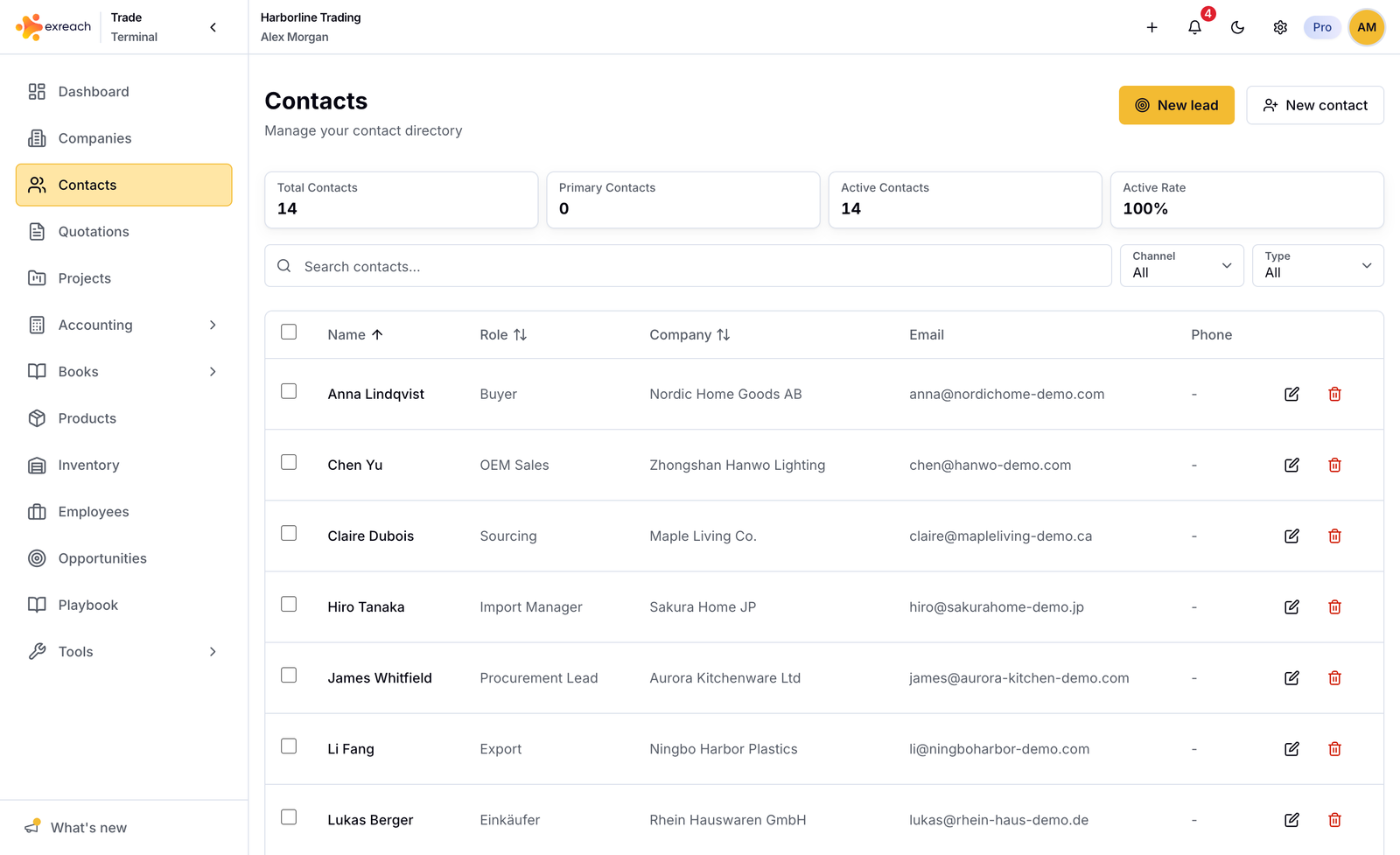
Create
- New lead (+): fast person. Use the plus button next to Company to add a firm without leaving the sheet. If you do not pick a company, Exreach creates a personal company from the name and links it. Fill in the real company later. Optional opportunity in the same sheet.
- New contact (full profile): complete fields, optional opportunity (off by default). Same plus button next to Company.
A contact should link to a company. One person can belong to more than one company. Mark one of those companies as primary. One company can have many people. See Companies and contacts.
Contact detail
- Profile
- Linked companies
- Opportunities, projects, quotations
- Notes
Delete
Delete is blocked when the person is used on quotations, projects, opportunities, or notes. See What you can delete.