
Quotations
Quotations and invoices list, status, convert actions, and the editor.
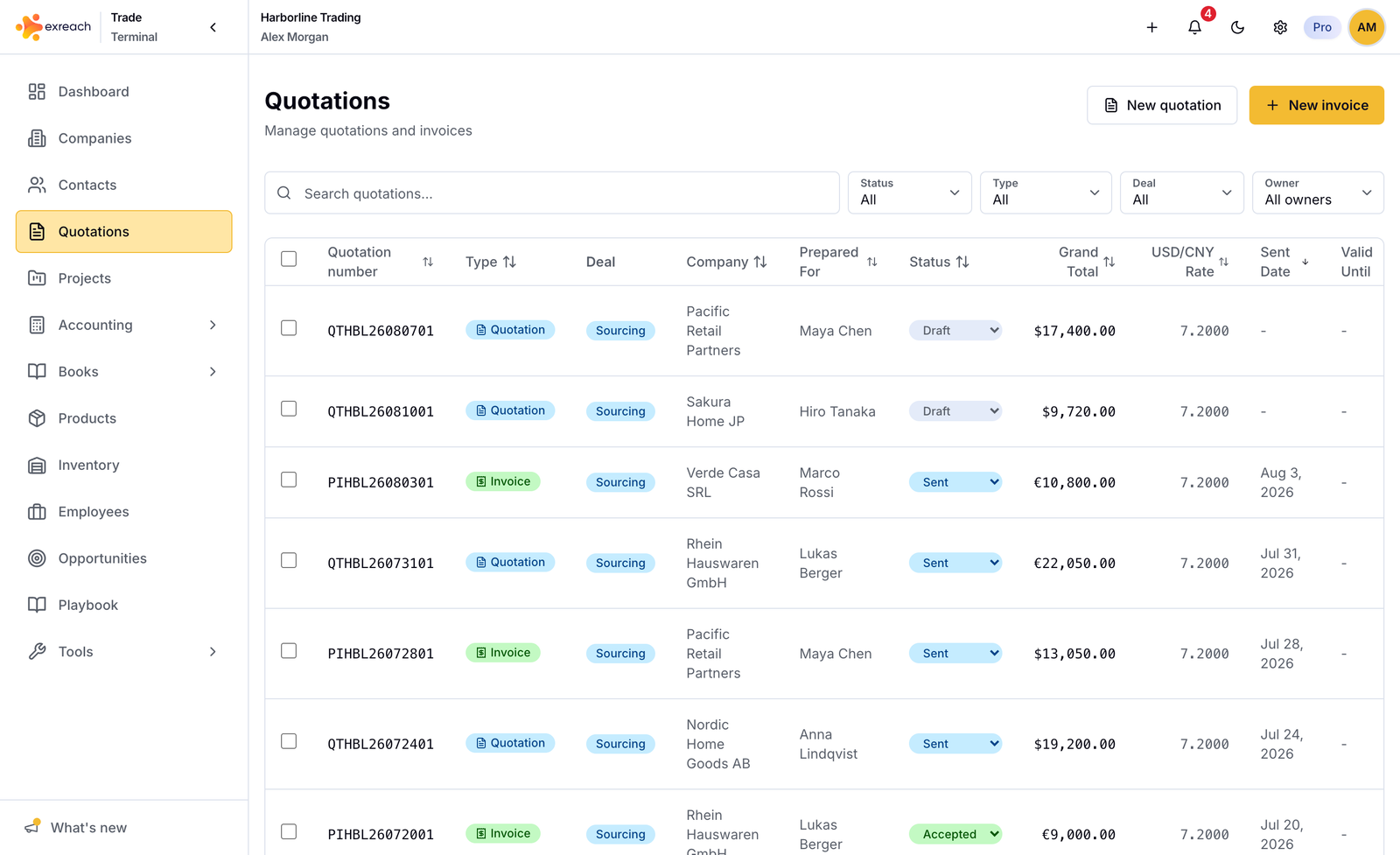
Quotations is one list for quotations and invoices. You can change status in the list, create the next document, download Excel, and open the editor.
Workflows: Create a quotation, Turn a quotation into an invoice.
List actions
- Filter by type, status, and owner
- Open the detail sheet
- Create invoice from a quotation (or Open if it exists)
- Create project from a paid invoice (or Open if it exists)
- Export Excel
- Delete a quotation (not an invoice). Related invoices and projects stay. See What you can delete.
Editor (new and edit)
- Customer, contact, currency, rates, terms
- Sourcing product table or service billing block
- Deal owner (locks on an invoice when status becomes paid)
Duplicate an existing quotation from new when you need a similar document.
Status rules
Quotations: draft, sent, accepted, rejected, expired.
Invoices add paid. Do not mark a quotation paid. Record payment on the invoice and in Books.